Tachograph Printout at Roadside: When the Card or Unit Fails
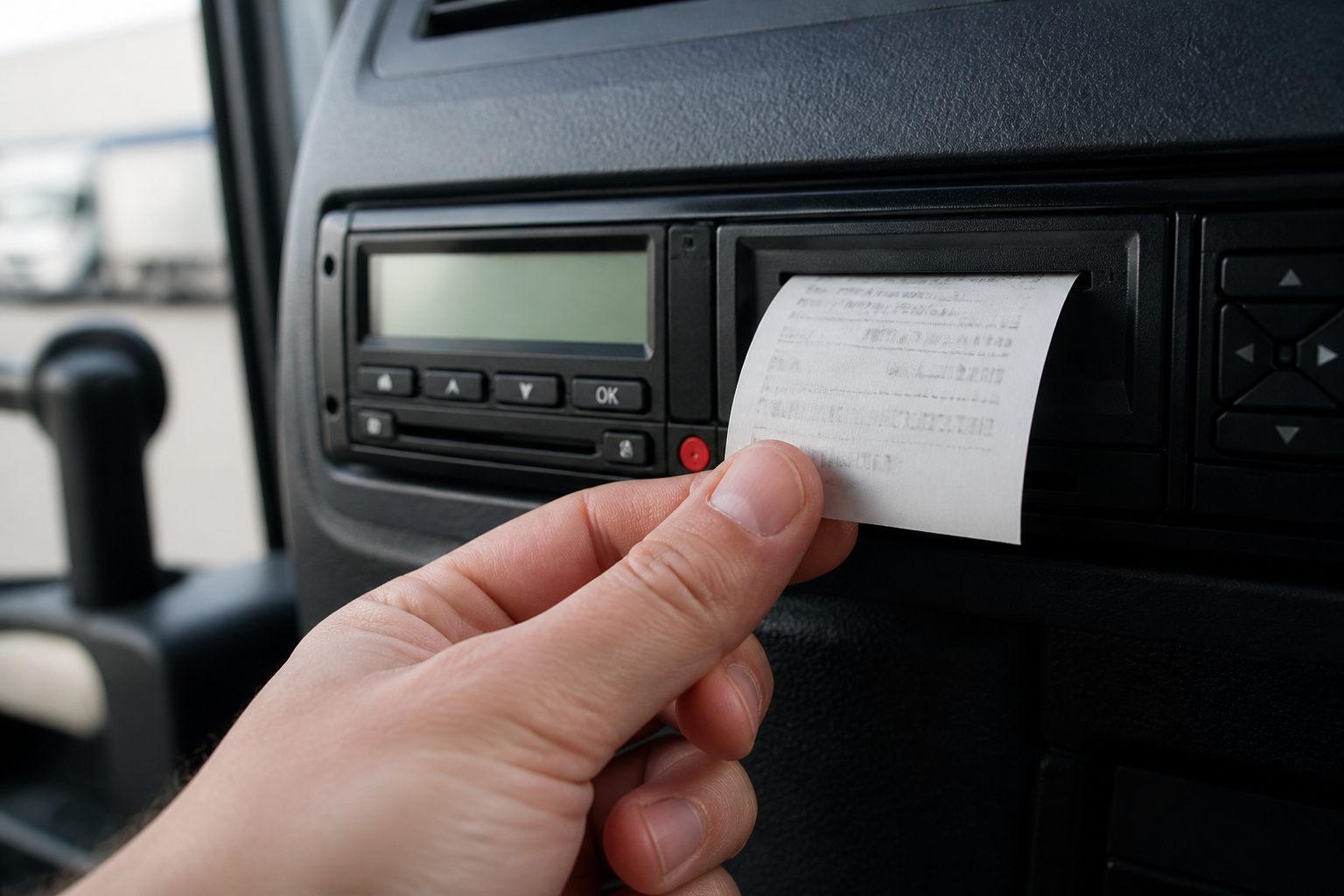
Why printouts still matter
Digital and smart tachographs are designed for electronic download. At a roadside stop, if the driver card will not read, the vehicle unit (VU) will not download, or the officer needs a paper snapshot, you use the unit’s print function.
This article is about driver-facing printouts at checks. It is not a workshop repair guide for a dead printer.
When you are commonly asked
- Card dirty, damaged, or rejected by the reader
- VU communication fault / download cable issue at the stop
- Officer wants a quick activity / technical data print for the file
What you should be able to do
- Know where the print button / menu is on today’s unit (layouts differ by brand and generation)
- Produce the print types requested (driver activities, technical data, events/faults as asked)
- Hand over clear, complete rolls — not half-torn scraps
If the printer is empty or jammed
Say so immediately. Do not invent excuses after a long delay. Your operator is responsible for a working printer and paper; you are responsible for reporting faults before the journey if you noticed them at start of duty.
After the stop
- Keep copies if your company procedure requires it
- Report unit/printer faults in writing the same day
- Do not assume “they downloaded it so the paper does not matter” when printouts were the evidence used
Driver habit
At walkaround, glance that the tachograph has paper and no obvious fault lights. A silent empty printer becomes your problem at the first check.
What to remember
If the officer cannot read your card or the vehicle unit cleanly, you may be asked for printouts. Know how to produce them, what they show, and do not throw them away after the stop.
Read the article through before you apply the rule on the road. Figures and exceptions change. If your operator’s procedure or a roadside check says something different from a web summary, follow the written procedure and official sources (DVSA, DVLA, GOV.UK, and the regulation that applies).
For “Tachograph Printout at Roadside: When the Card or Unit Fails”, keep the practical chain: check before you leave, record correctly on the tachograph or in documents, tell planning when something does not add up, and do not move the vehicle if you know it is illegal or unsafe.
If a colleague, customer or short message asks you to skip a check, ask for it in writing. Stopping on time and a call to the desk costs less than a penalty, a prohibition, or a collision.


Comments
No comments yet. Be the first to comment.
Sign in to comment.
Sign in