Tachograph Modes: Other Work, Out of Scope, Break and Availability
What this article covers
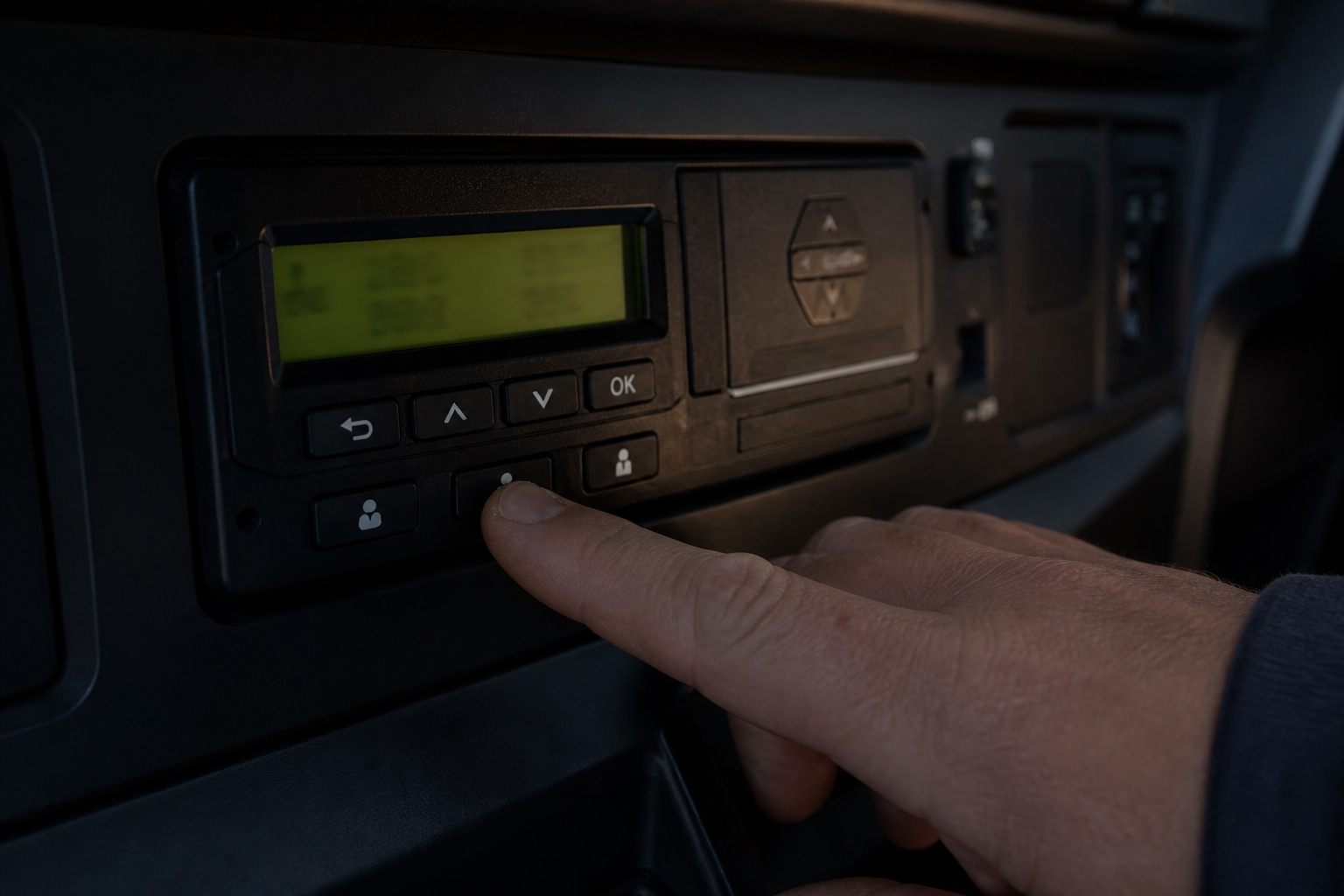
On a digital / smart tachograph you select an activity mode when you are not driving. This page is a driver-facing mode map. It does not re-teach POA vs break law in full (see the dedicated POA article) and does not list every domestic exemption.
Driving
Recorded automatically while the vehicle moves with your card in. You do not “select Driving” to invent moving time.
Other work
Use for work that is not driving but still work for the employer/operation — for example loading help, walkaround checks, paperwork tied to the duty, or other productive work away from the wheel. If you are working, do not park it on Break.
Availability (POA)
Use when you are available as defined for your operation (waiting to be called to work, not free to dispose of your time as you wish). POA is not a break and does not reset driving-time counters the way a qualifying break does.
Break / rest
Use for genuine breaks and rest periods. If you are still doing company tasks, it is not a break — put Other Work (or the correct mode your procedure uses).
Out of scope
Out of scope is for periods when the drivers’ hours / tachograph rules that apply to your in-scope work do not apply to that activity (for example certain domestic-exempt operations, or non-driving personal time that must be shown clearly). It is not a dump mode for “I forgot what I was doing” or “the planner messed up”.
Honesty test
- Could you explain this mode to an examiner in one sentence?
- Does the mode match what your body was actually doing?
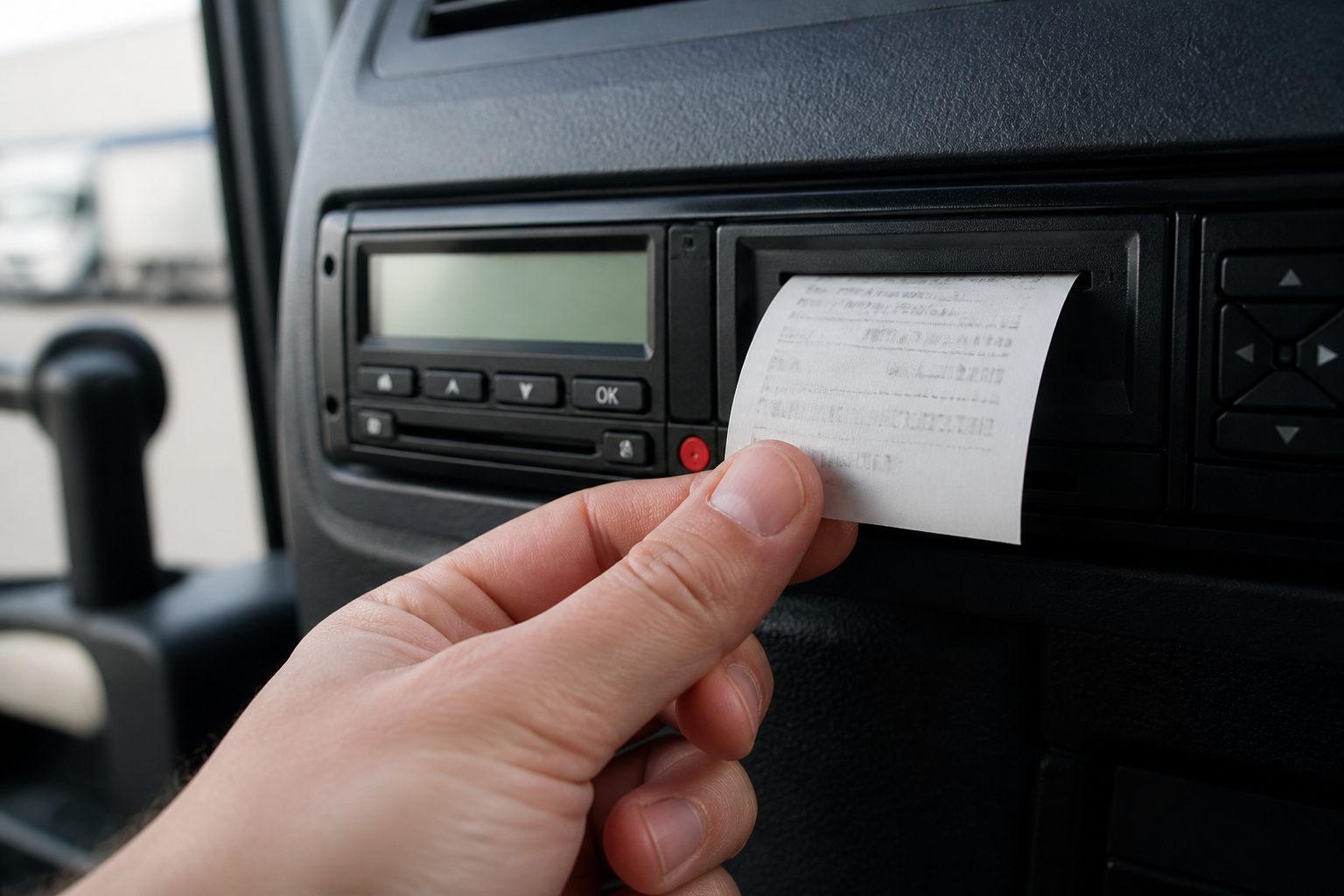
- Would a printout of the day look coherent without a speech?
Driver habit
Change mode when the activity changes — not only at the end of the day when you try to “tidy” the chart.
What to remember
Wrong mode selection is one of the fastest ways to fail a DVSA analysis. Know what Driving, Other Work, Availability, Break/Rest and Out of Scope are for — and stop using “whatever is convenient”.
Read the article through before you apply the rule on the road. Figures and exceptions change. If your operator’s procedure or a roadside check says something different from a web summary, follow the written procedure and official sources (DVSA, DVLA, GOV.UK, and the regulation that applies).
For “Tachograph Modes: Other Work, Out of Scope, Break and Availability”, keep the practical chain: check before you leave, record correctly on the tachograph or in documents, tell planning when something does not add up, and do not move the vehicle if you know it is illegal or unsafe.
If a colleague, customer or short message asks you to skip a check, ask for it in writing. Stopping on time and a call to the desk costs less than a penalty, a prohibition, or a collision.

Comments
No comments yet. Be the first to comment.
Sign in to comment.
Sign in