Smart Tachograph UTC Versus Local Time: What Drivers Should Know
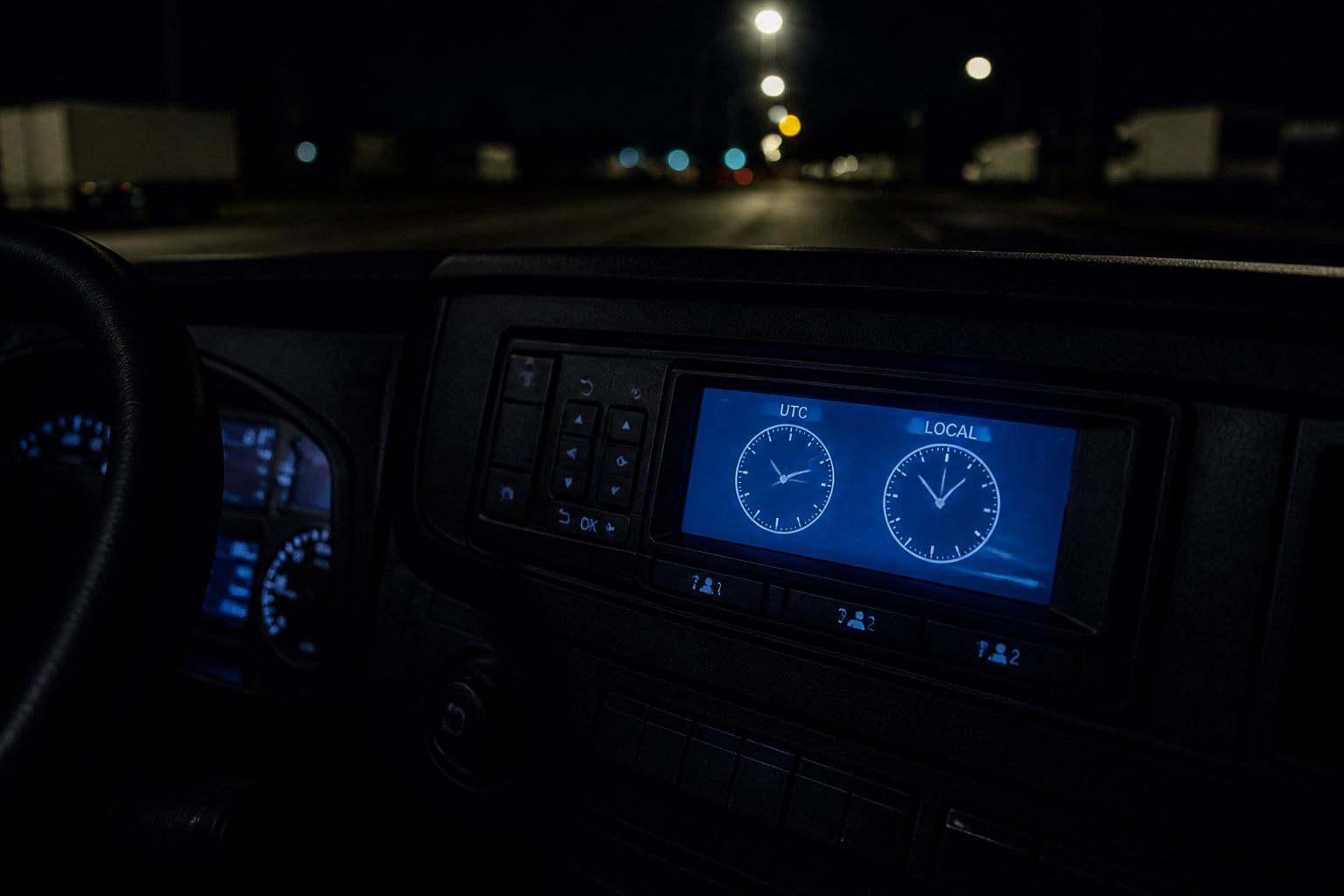
Two clocks, one record
Digital and smart tachographs store activities against UTC (Coordinated Universal Time). Many units also let you display a local time offset so the screen matches the wall clock in the country you are in.
This article is about that UTC vs local display distinction for drivers — not a full GNSS configuration manual.
What enforcement analyses
Analysis software works from the stored UTC timestamps. Changing the local display does not rewrite your driving or rest history. If local display is wrong, your eyes are confused; the legal file may still be consistent in UTC.
Practical traps
- Crossing a time zone / country and forgetting the display offset
- Comparing a phone clock to the screen without checking which mode the VU is showing
- Starting a rest “at midnight local” when the UTC day boundary is elsewhere
Borders and smart units
Automatic border stamps and country entries still sit on the unit’s timebase. Clean start/end habits matter; guessing from the dashboard clock alone is weak.
Driver habit
- Know whether today’s screen shows UTC or local
- When in doubt, trust the activity list / print, not a quick glance at “what time it feels like”
- Tell the office if the display offset is wrong after a workshop visit
What to remember
The unit’s legal record runs on UTC. What you see as “local time” on the screen is for convenience. Confusing the two is a classic source of “my rest looks short” arguments.
Read the article through before you apply the rule on the road. Figures and exceptions change. If your operator’s procedure or a roadside check says something different from a web summary, follow the written procedure and official sources (DVSA, DVLA, GOV.UK, and the regulation that applies).
For “Smart Tachograph UTC Versus Local Time: What Drivers Should Know”, keep the practical chain: check before you leave, record correctly on the tachograph or in documents, tell planning when something does not add up, and do not move the vehicle if you know it is illegal or unsafe.
If a colleague, customer or short message asks you to skip a check, ask for it in writing. Stopping on time and a call to the desk costs less than a penalty, a prohibition, or a collision.


Comments
No comments yet. Be the first to comment.
Sign in to comment.
Sign in